CTP
HubSpot Implementation for CTP: From Clicks to Conversations


THE CHALLENGE
Brief
& goals
CTP had data and contacts split across systems (GA4, Mailchimp, website forms). HubSpot licenses were in place, but not set up or used.
Our brief: centralise lead data, make consent and tracking clean, and turn web activity into timely contact from sales reps.
How We Work

Strategy First,
Then Flows
We mapped the customer journey, defined what to track, and discussed success metrics. Then we started implementing HubSpot: form routing, consent, automations, dashboards — and trained the team (CZ market + group session) so the system would actually get used day-to-day.
How We Worked
PRINCIPLES OF THE OVERHAULED SYSTEM

Clean intake & consent: Mailchimp to HubSpot migration, segmentation, and lawful data capture across all forms.
Always-on automations: such as welcome series, behaviour triggers, and website prompts for returning customers, etc.
Reporting that matters: A HubSpot dashboard tracking automation effectiveness.
CRM bridge: Stronger connection between HubSpot and Dynamics 365 so web signals enrich sales records — marketing and sales finally see the same story.
CUSTOMER JOURNEYS
Example Scenarios and Triggers
“Viewed park, didn’t enquire”
→ Guided return
A visitor views a key page but leaves: next visit shows a direct shortcut back to the same content or pre-filtered product finder. Result: fewer dead ends, more qualified enquiries.
“Downloaded brochure”
→ Warm handoff
Auto-email introduces the relevant sales representative with a simple next step; sales rep gets a reminder if there’s no reply in 3 days. Result: faster follow-up, higher connect rate.
“New to the list”
→ Welcome series
Three concise emails: brochure → custom options → explainer on the benefits of renting vs. buying. Result: we educate the customer while tracking intent signals for lead scoring.
THE SOCIAL LINK
Connecting outreach to real conversations
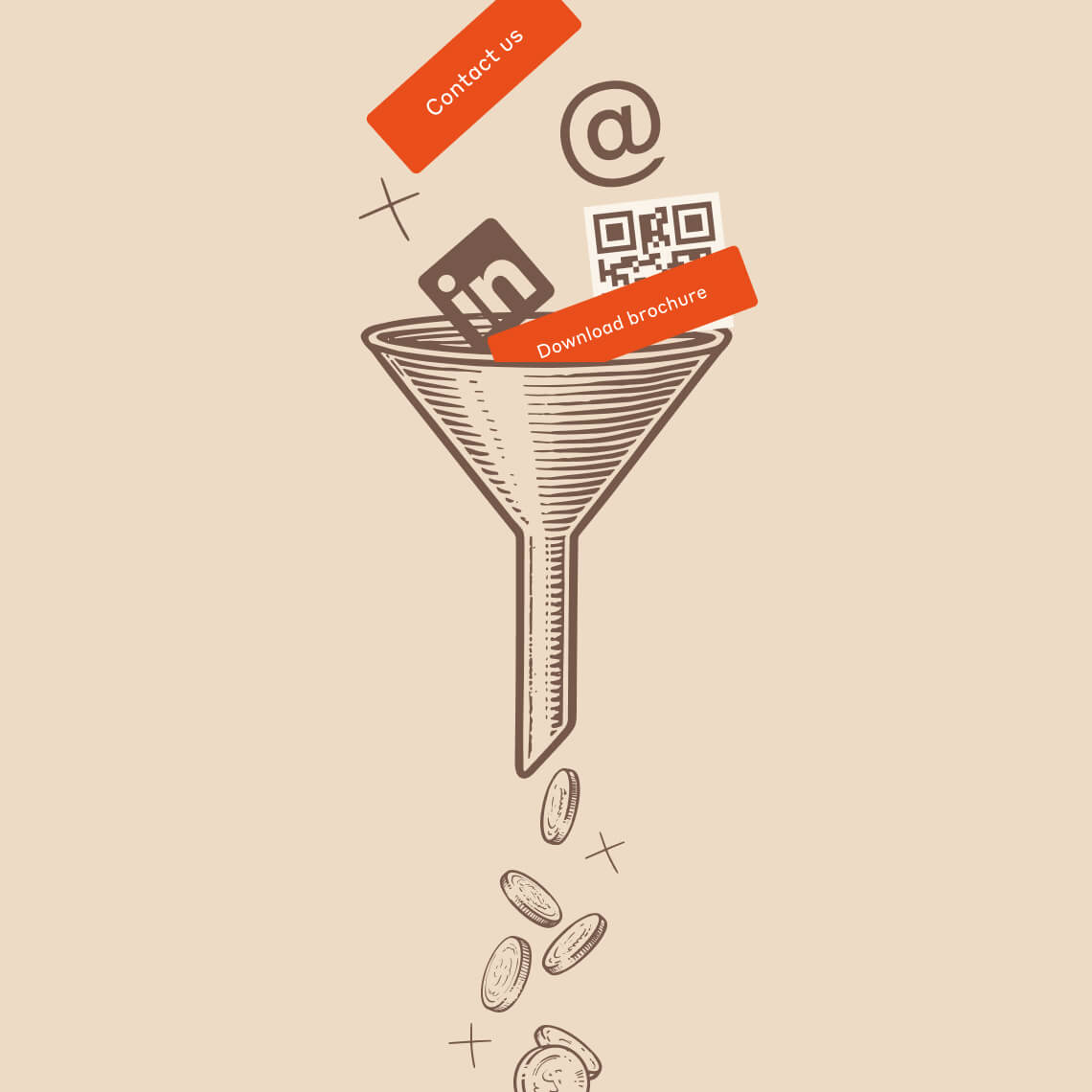
Right now, we run targeted LinkedIn outreach to contacts from CTP’s own database. It’s a simple setup: short, relevant messages and soft CTAs that point people to key web pages. The results and learnings feed back into how we work with HubSpot.
The technical setup is ready for a future phase where LinkedIn activity can be synced directly, so if CTP decides to scale outreach, it will easily plug into the same lead engine.

The Outcome
MAKING THE CRM
WORK HARD
We didn’t just plug in software; we set up a clear way to move from interest to conversation. HubSpot now handles lead capture, pushes qualified leads into the CRM, sends automated emails, and stores a clean, structured contact database.
Instead of being “just a database”, it’s become a practical everyday tool that helps marketing and sales see what’s happening and decide what to do next.
THE IMPACT
IMPROVEMENTS EVERYWHERE YOU LOOK

All forms feed
HubSpot
With clean information and better customer profiles (less back-and-forth for sales).

Faster, warmer
follow-ups
Via notifications for sales reps and behaviour-based emails.

More signal
for decisions
Dashboards show which automations and sources actually produce qualified conversations.

Shared truth
for teams
Marketing and sales teams see the same timeline from the first click to the first call.
Our Takeaway
When you centralise data, design the flows around real customer behaviour, and let a tool like HubSpot take care of feeding your sales teams, you’ll have a lead process that learns, prioritises, and acts — not just a place where contacts are collected.

Contact Us
LET’S DO SOMETHING BIG TOGETHER
New projects, old projects, careers, press and other inquiries — reach out to us with anything.